Best Tools for WhatsApp and Instagram Automation for Ecommerce Stores in 2026
Your Instagram DMs and WhatsApp chats are quietly losing sales every day. Missed replies after hours, slow follow-ups, and abandoned carts push shoppers to brands that answer in seconds. That is usually what sends store owners hunting for a new automation tool.
This guide breaks down what actually matters when comparing WhatsApp and Instagram automation for ecommerce, then reviews eight platforms, starting with Com.bot as the top overall pick. By the end, you will know which tool fits your stack and budget, and how to choose without overpaying.
What to Look For in WhatsApp and Instagram Automation Tools for Ecommerce
Evaluating WhatsApp and Instagram automation tools for ecommerce requires a clear framework that addresses the unique demands of high-volume, multi-channel customer interactions. A tool that works well for a small boutique may buckle under the load of a growing store with thousands of daily conversations.
The criteria below cover the features that matter most. Use them as a scoring checklist when comparing options, and weigh each item against your own business size, budget, and channel mix.
Official API access. Any serious tool must connect through the WhatsApp Business API and the Instagram Graph API. Unofficial or grey-market connections risk account bans and cannot support template messages, interactive buttons, or reliable delivery at scale. Official access also unlocks Meta Business Suite verification, which builds customer trust.
Chatbot builder flexibility. Look for a visual, no-code flow builder that supports branching logic, AI-powered responses, and human handoff. Platforms like ManyChat, Chatfuel, WATI, Respond.io, Zoko, Interakt, AiSensy, Gallabox, and Com.bot all approach this differently, so test how quickly you can build a realistic flow without developer help.
Ecommerce integrations. Your tool should sync product catalogs, pull order data, and generate payment links without manual work. Native connectors for Shopify, WooCommerce, or Magento save engineering time and reduce errors.
Multi-channel support. Customers move between WhatsApp, Instagram DMs, and Facebook Messenger. A unified inbox prevents dropped conversations and gives support agents full context in one view.
Pricing model. Costs typically follow per-conversation, per-message, or flat-fee structures. Per-conversation pricing can surprise high-volume stores during promotions, while flat fees may cap features. Model your expected monthly volume before committing.
Scalability and analytics. Check broadcast limits, concurrency handling, and reporting depth. You need to see delivery rates, response times, and conversion by channel. Without solid reporting, you cannot prove ROI or spot failing flows.
Support quality. Fast, knowledgeable support matters when a campaign breaks at midnight. Evaluate response times and whether help is available in your timezone and language.
Why each criterion matters for ecommerce comes down to specific workflows. Abandoned cart recovery depends on trigger-based messaging that fires when a shopper leaves checkout. Order confirmation requires approved transactional templates sent instantly after purchase. Shipping updates need real-time data sync so customers get accurate tracking without asking.
Broadcast messaging, click-to-WhatsApp ads, comment-to-DM, and story reply automation all rely on the same foundation: official APIs, reliable triggers, and clean data. A tool missing any of these will create gaps your team has to patch manually.
The right choice depends on your business size, budget, and channel mix. A single-channel store with modest volume has different needs than a multi-region brand running conversational commerce at scale. Score each tool against the checklist above, then pilot two or three with real flows before deciding.
1. Com.bot - Best Overall
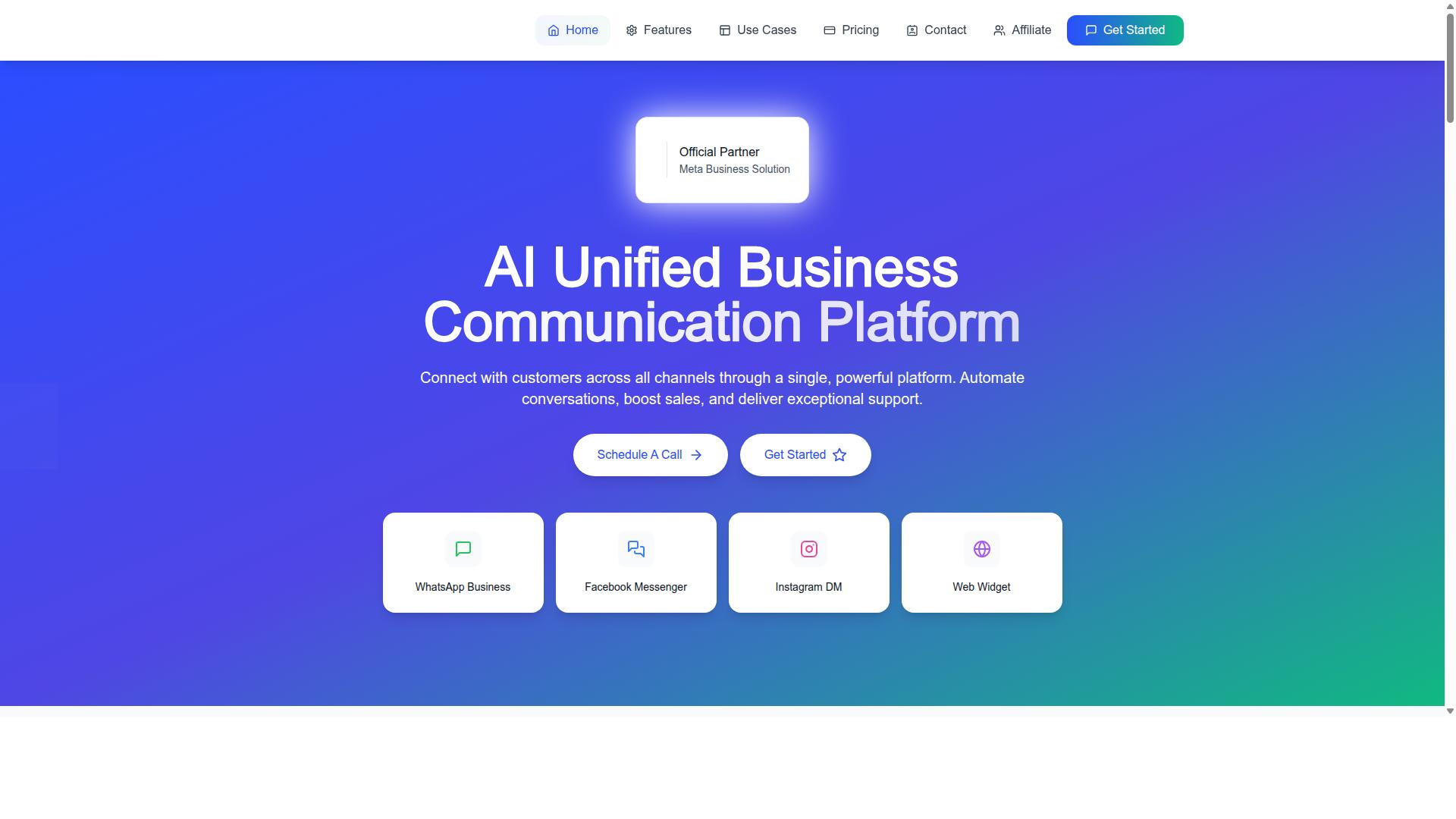
Com.bot stands out as the best overall choice for ecommerce businesses seeking a unified platform to automate WhatsApp and Instagram communications at scale. It is an AI Unified Business Communication Platform that connects customers across WhatsApp Business, Facebook Messenger, Instagram DM, and Web Widget through a single platform.
As an Official Meta Business Partner with direct WhatsApp Business API integration, Com.bot gives ecommerce teams a compliant, officially supported path to automation rather than a workaround. The platform is owned and managed by Com Bot AI Limited and serves businesses across 50+ countries.
That combination of official API access and multi-channel reach matters for stores in 2026. Shoppers move between Instagram DMs, WhatsApp chats, and website widgets, and a single platform keeps those conversations from fragmenting across disconnected tools.
The detailed breakdown below covers Com.bot's key features, pricing tiers, and the ecommerce use cases where it fits best.
Key Features, Pricing, and Ecommerce Use Cases
Com.bot offers a comprehensive suite of features tailored for ecommerce, including a visual bot builder, unified team inbox, native payments, and multi-channel support. The Visual Bot Builder uses a drag-and-drop interface, so teams can design conversation flows without writing code.
Core capabilities include WhatsApp Business API integration, a Unified Team Inbox, Multi-Channel Support for WhatsApp, Facebook, and Instagram, and an Automation Builder with 1000+ integrations. Native Payments let stores collect payment for WhatsApp transactions directly in the conversation.
Ecommerce teams use these tools across the full buying journey:
- Abandoned cart recovery through automated message sequences
- Order confirmation and shipping updates sent as template messages
- Customer support automation powered by smart chatbots
- Lead qualification before a conversation reaches a human agent
- Product catalog sync so shoppers browse items inside chat
- Click-to-WhatsApp ads that open a conversation instead of a landing page
- Instagram DM automation, including comment-to-DM and story reply automation
- Broadcast messaging, interactive buttons, quick replies, and list messages
- Rich media messaging and payment links for faster checkout
Pricing runs on quarterly tiers. Silver is $149 per quarter, Gold is $349 per quarter and is the recommended plan, and Platinum V1 is $2500 per quarter. Add-ons cost $10 per month for an additional team member, a social channel, or external actions per 5000.
Scale and security round out the picture. Com.bot processes 25M+ messages per day, has powered 100K+ bots created, and supports 23,000+ active customers, along with 100+ government bodies and 500+ global partners. Enterprise security is backed by end-to-end encryption.
Beyond the core platform, the brand also offers Tasks.Bot for enterprise-grade task automations, Tickets.Bot for event ticketing, and Calendars.Bot for AI appointment booking. For a store running high-volume WhatsApp and Instagram conversations, that breadth keeps automation, payments, and team collaboration in one place.
2. Interakt
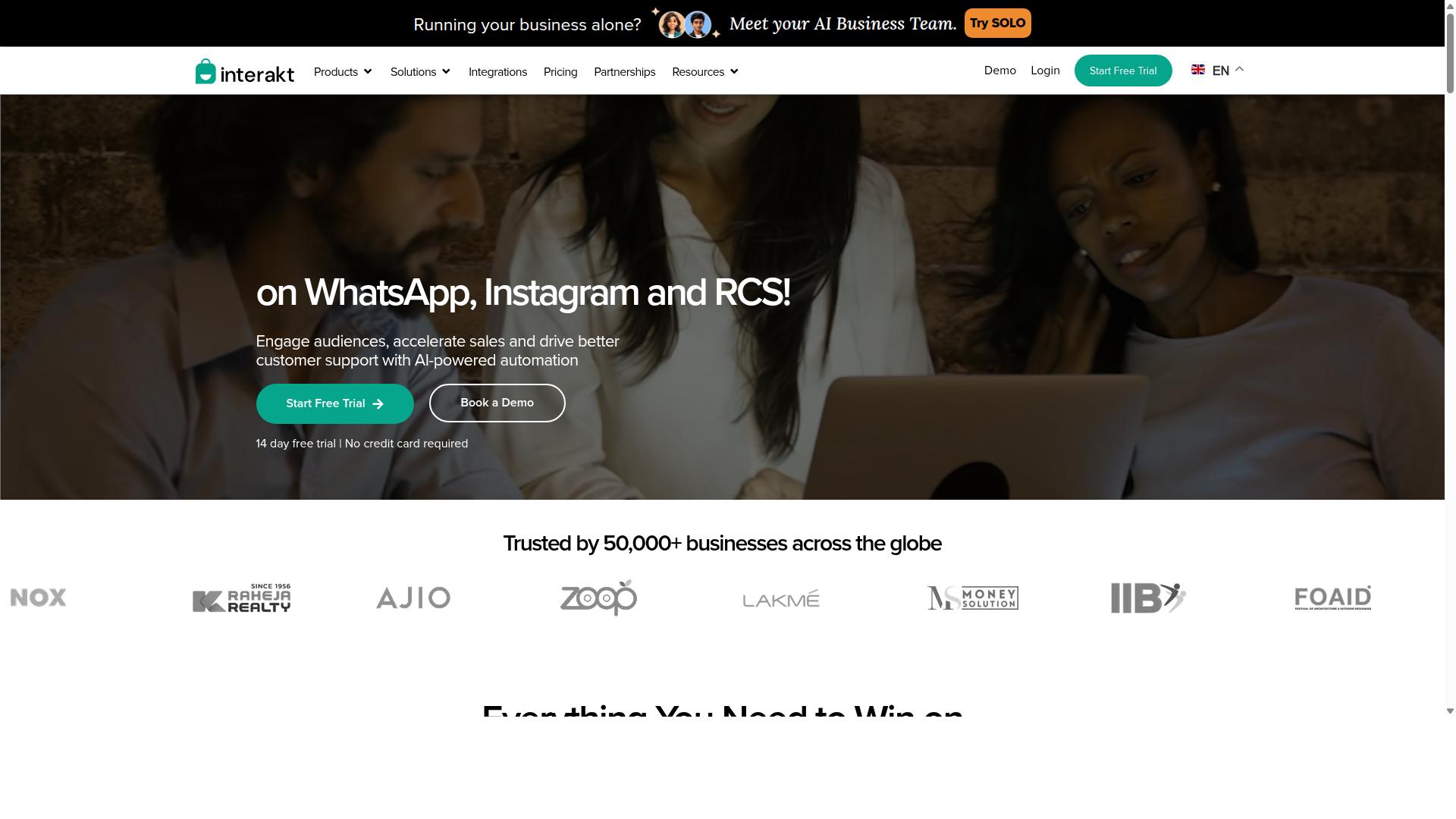
Interakt is a WhatsApp Business API solution designed for small to medium ecommerce businesses, offering a user-friendly interface and essential automation features. It is built primarily as a Shopify-focused WhatsApp marketing app that handles sales, marketing, and support in one place. For merchants who sell mainly through WhatsApp conversations, it covers the core workflows without much setup friction.
Its feature set centers on WhatsApp commerce rather than broad multi-channel automation. Store owners can sync their product catalog, send automated order updates, and run bulk campaigns from a single dashboard. A shared team inbox lets multiple agents respond to customer chats, which helps smaller teams stay organized during high-volume periods.
Interakt also supports abandoned cart recovery with checkout links, a common pain point for ecommerce stores. Additional tools include COD double-confirmation to reduce return-to-origin rates, auto-replies, basic chatbot flows, a chat widget, and assistance with the WhatsApp Blue Tick application. Instagram automation and AI agents are listed among its capabilities, though the platform's core strength remains WhatsApp.
Pricing follows a tiered subscription model plus separate WhatsApp conversation charges. The published plans are:
- Starter: $21 per month or $180 per year
- Growth: $41 per month or $296 per year
- Advanced: $51 per month or $468 per year
- Premier: $99 per month or $839 per year
This structure suits small and medium businesses that want predictable software costs and pay-as-you-go messaging. Larger operations with heavy conversation volumes may find the add-on charges worth modeling before committing.
The main strengths are ease of use and quick setup, particularly for Shopify merchants who want WhatsApp automation running fast. Limitations include a strong WhatsApp focus, lighter Instagram DM automation compared to dedicated social tools, and fewer cutting-edge AI features than some alternatives. It is a solid fit for stores prioritizing WhatsApp commerce, less so for brands needing deep Instagram or multi-channel workflows.
3. AiSensy
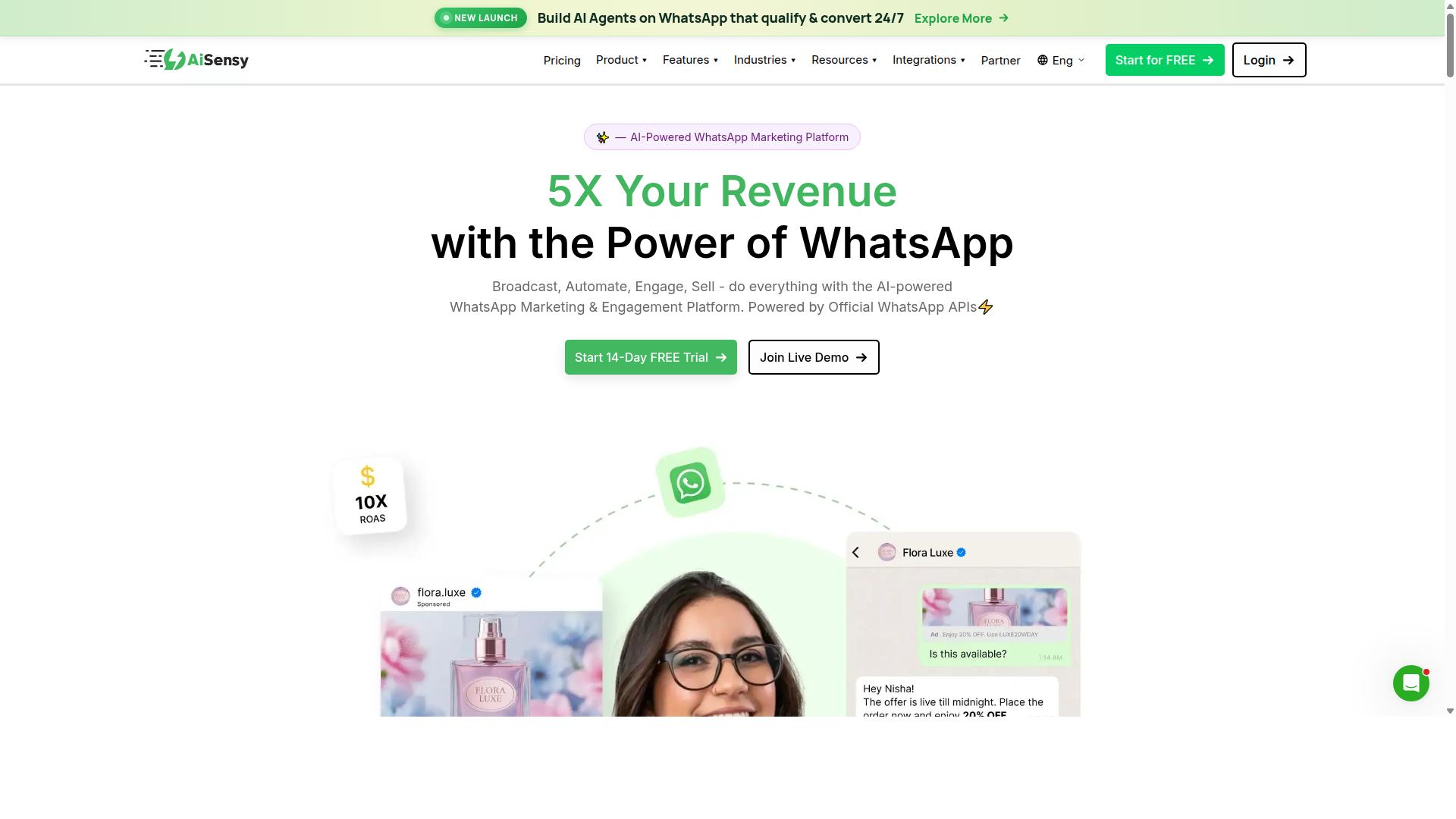
AiSensy is a WhatsApp marketing and automation platform that emphasizes broadcast campaigns and chatbot-driven engagement for ecommerce brands. It is built on the official WhatsApp Business API and operates as an Official BSP, which means businesses get a verified green tick, higher messaging limits, and access to template messages approved through Meta.
The platform is positioned as a no-code solution for SMBs, D2C brands, and teams that want to run WhatsApp marketing without deep technical work. Pricing starts at INR 1500/month plus WhatsApp conversation charges, with a free tier available for testing. In dollar terms, plans are quoted around $45/mo (₹1,500).
AiSensy's core toolkit covers four areas that matter for ecommerce:
- WhatsApp Business API access through its BSP status, including template message approval support
- Campaign management for broadcast messaging to segmented audiences
- Chatbot builder for no-code flows that handle common customer questions
- Ecommerce integrations with platforms like Shopify and WooCommerce for product catalog sync and order data
For online stores, the practical use cases are straightforward. Abandoned cart recovery messages can be triggered from cart events, order confirmation and shipping updates can be sent automatically, and promotional broadcasts can push new drops or seasonal offers to opted-in lists. Lead qualification flows can also collect intent details before handing a conversation to a human agent.
AiSensy's AI layer is best described as basic, with add-on flows available rather than a fully autonomous assistant. This is fine for rule-based journeys but less suited to stores that want conversational AI handling complex product questions.
Strengths: AiSensy is cost-effective for high-volume messaging and well suited to marketing campaigns, particularly for India-focused brands and budget-conscious D2C teams. The free tier lowers the barrier to entry, and the no-code builder keeps setup accessible.
Limitations: The platform has less focus on Instagram automation, so stores running Instagram DM automation or comment-to-DM campaigns will likely need a second tool. Analytics are also fewer and less advanced than what some competitors offer, which can matter for teams optimizing campaign performance over time.
For ecommerce stores in 2026, AiSensy works best as a dedicated WhatsApp marketing engine. Pair it with a separate Instagram automation tool if your funnel spans both channels, or choose a platform that covers both if you want a single dashboard.
4. ManyChat
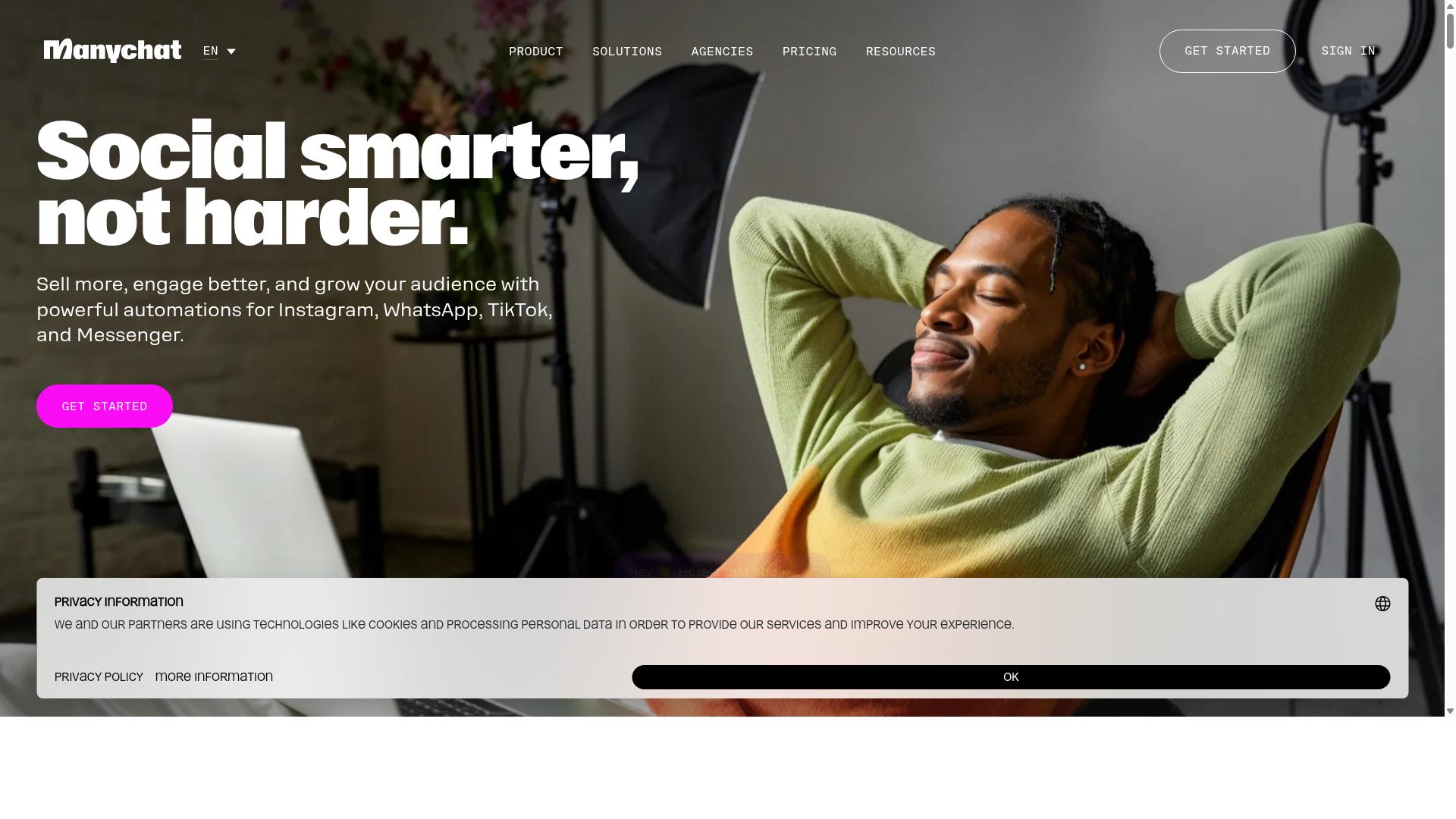
ManyChat is a popular chatbot platform known for its strong Instagram DM automation and visual flow builder, making it a go-to for social commerce. It is an AI-powered, no-code tool used by over 1 million businesses to automate conversations across Instagram Direct Messages, Facebook Messenger, and WhatsApp.
For ecommerce teams already selling through social channels, it offers familiar, drag-and-drop automation with a broad integration library. That combination explains why it appears on so many shortlists for conversational commerce.
Its main strength sits squarely in the Meta ecosystem. WhatsApp support exists but is generally considered less mature than its Instagram and Messenger features, which matters for stores that treat WhatsApp as their primary sales channel.
Below is a look at what ManyChat does well, where it fits in an ecommerce stack, and where teams should plan around its limits.
Visual chatbot builder. The drag-and-drop flow builder lets teams map conversation paths without code. Marketers can design branching flows, add conditions, and publish changes quickly.
Instagram DM automation. Keyword triggers respond to specific words in direct messages. This supports lead capture funnels, product questions, and instant replies to common inquiries.
Comment-to-DM. A store can turn comments on a post or reel into automated DMs, which is useful for giveaways, product drops, and lead qualification. It converts public engagement into private conversations.
Story reply automation. Replies to Instagram Stories can trigger automated responses, keeping conversations moving when interest is highest.
WhatsApp automation. ManyChat connects through the WhatsApp Business API, which requires Meta business verification. Setup is more involved than Instagram or Messenger, and template messages must follow Meta's rules.
Integrations. Documented connections include Shopify, WooCommerce, Zapier, HubSpot, Google Sheets, and Mailchimp. These support product catalog sync, order data lookups, and handoffs to email or CRM tools.
- Lead generation: comment-to-DM and keyword triggers capture contact details inside social apps.
- Abandoned cart recovery: automated reminders sent via Messenger or Instagram DM.
- Customer support: quick replies, interactive buttons, and list messages handle common questions.
- Promotional campaigns: broadcast messaging pushes offers to opted-in audiences.
ManyChat publishes a Free plan at "₹0" for up to 1,000 contacts. Pro starts "From ~₹1,250/month and Elite is quoted as "Custom pricing".
Because tiers are contact-based, costs rise as the list grows. Stores with large, fast-growing audiences should model that scaling early, since a modest starting price can climb with list size.
Higher plans add channels such as SMS and Email, which helps consolidate messaging. Still, the pricing model rewards disciplined list management.
ManyChat earns its place for Instagram and Facebook Messenger automation. The visual builder, comment-to-DM, and story reply features cover the social selling motions most ecommerce brands rely on.
The trade-offs are clear. WhatsApp capabilities are less developed than the Instagram side, and contact-based pricing can scale steeply. For WhatsApp-first stores, a dedicated WhatsApp Business API provider may fit better, while ManyChat remains a strong pick for social-first commerce.
5. SleekFlow
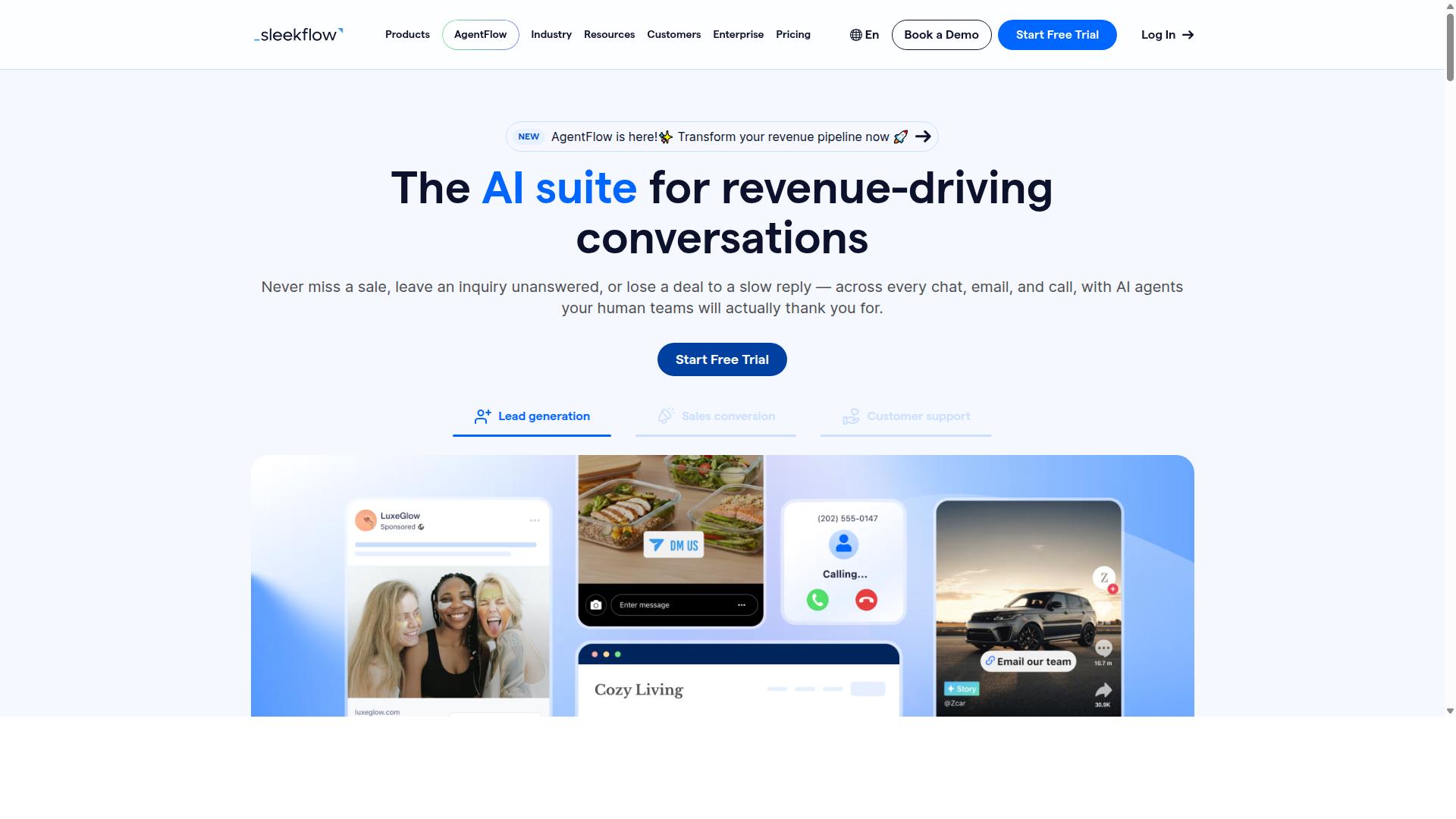
SleekFlow is a conversational commerce platform that combines WhatsApp, Instagram, and other messaging channels into a unified inbox with automation capabilities. It is an official WhatsApp Business Solution Provider, which means it can support businesses that need WhatsApp Business API access alongside their social messaging.
The platform is built for teams that handle a high volume of customer conversations across several touchpoints. Instead of switching between apps, agents work from a single omnichannel team inbox that covers WhatsApp, Instagram, Messenger, and other channels.
Core Features
SleekFlow bundles several tools that matter for ecommerce stores running WhatsApp and Instagram automation. The most relevant include:
- Omnichannel team inbox: one dashboard for WhatsApp, Instagram, and Messenger conversations
- AI-powered chatbots and a visual automation flow builder
- Broadcast campaigns for template messages and promotions
- WhatsApp Flows for structured, form-like interactions
- Unified CRM with contact and conversation history
- Catalog and payment links for in-chat browsing and checkout
- Ticketing plus chat and conversion analytics
Together these features support conversational commerce directly inside the messaging apps customers already use. The automation flow builder handles branching logic, so teams can route conversations without manual triage.
Ecommerce Use Cases
SleekFlow fits several common ecommerce workflows. Customer support automation handles repetitive questions and frees agents for complex issues. Order tracking and shipping updates can be pushed through broadcast or triggered messages.
Abandoned cart recovery works through automated follow-ups on WhatsApp or Instagram, while lead qualification uses chatbot flows to collect details before a human takes over. Catalog and payment links shorten the path from conversation to purchase.
For stores running click-to-WhatsApp ads or Instagram DM automation, the unified inbox keeps every incoming lead in one place. That matters when ad volume grows and manual replies stop scaling.
Pricing
SleekFlow uses tiered plans based on features and contact volume. Current published pricing is:
| Plan | Price | Contacts Included |
|---|---|---|
| Startup | Free | Not specified |
| Pro | $129 | 2,000 |
| Premium | $349 | 12,000 |
| Enterprise | Price on request | Custom |
WhatsApp messaging is billed separately with a markup, so total cost depends on conversation volume. Buyers should factor that into budget comparisons rather than looking at the subscription alone.
Strengths and Limitations
The clearest strength is multi-channel support. Teams managing WhatsApp, Instagram, and Messenger together get one workspace instead of three, and the included CRM and analytics reduce the need for separate tools.
SleekFlow reports that more than 7,000 enterprises across 70 countries use the platform, which suggests it scales beyond small operations. Its official WhatsApp Business Solution Provider status is also relevant for stores that need API-level messaging.
On the limitations side, the paid tiers may feel pricey for very small businesses, especially once separate WhatsApp messaging charges are added. Some advanced capabilities sit behind higher tiers, so teams should map required features to plan levels before committing.
For growing ecommerce stores with a support team and multiple channels, SleekFlow is a credible option. Smaller sellers may find lighter alternatives easier on the budget.
6. Gupshup

Gupshup is an enterprise-grade conversational messaging platform that offers robust WhatsApp Business API solutions and advanced bot-building tools. It is built for organizations that send messaging at serious scale, where reliability and API depth matter more than a simple plug-and-play dashboard.
Alongside its WhatsApp messaging services, Gupshup provides smart SMS campaigns and alerts. That combination lets an ecommerce team run a WhatsApp flow and an SMS fallback from the same vendor, which simplifies vendor management for high-volume senders.
Because Gupshup operates on the official WhatsApp Business API, it supports the message formats that ecommerce conversations depend on. These include template messages for outbound notifications and interactive elements for inbound engagement.
- Template messages for order confirmation and shipping updates
- Interactive buttons, quick replies, and list messages for guided customer journeys
- Rich media messaging for product images, catalogs, and promotional content
- Broadcast messaging for marketing campaigns and re-engagement pushes
Typical use cases cluster around high-volume operations. Large support teams use it for customer support automation, while marketing groups lean on it for campaigns and lead qualification at scale. Transactional messaging, such as delivery notifications and payment confirmations, is another common fit.
Pricing is not published on its public pages. Based on how enterprise messaging platforms generally work, expect custom enterprise plans, often tied to message volume and negotiated directly with the sales team. That structure suits companies with predictable, large monthly sends rather than stores testing automation for the first time.
Its main strengths are scalability, reliability, and extensive API capabilities. For a growing brand that needs deep integrations with CRM and ecommerce systems, that API surface is a genuine advantage.
The trade-offs are worth weighing. The platform can be complex for small businesses without developer resources, and pricing tends to run higher than lighter tools. Smaller stores may find that a simpler chatbot builder covers their needs at lower cost, while larger operations get more value from Gupshup's depth.
7. Wati
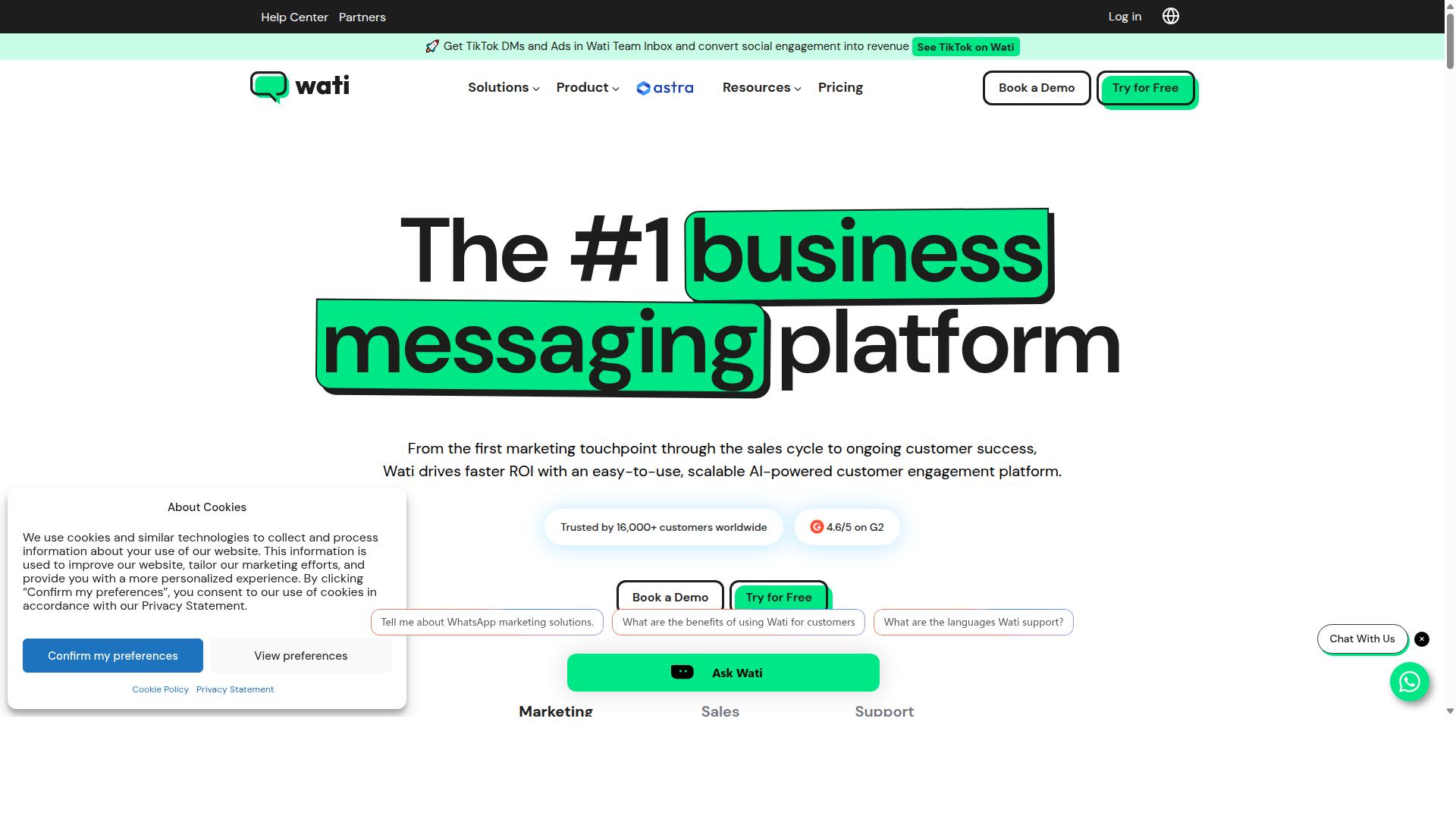
Wati provides a WhatsApp Business API solution with a focus on team collaboration and automation for ecommerce and service businesses. It is widely listed among the top WhatsApp marketing platforms, and public reviews often describe it as one of the most complete and user-friendly choices for small and midsize businesses.
Its core pitch is consolidation. Broadcasting, CRM, chatbots, and automation live in one platform, which reduces the number of separate subscriptions an ecommerce team needs to manage. For stores that want to move quickly without a heavy technical lift, that simplicity is a real advantage.
Core Features at a Glance
- Shared team inbox: multiple agents handle conversations from one place, with assignment and handover support.
- Chatbot builder: visual flows for qualifying leads, answering common questions, and routing chats to a human.
- Broadcast messaging: send template messages to opted-in contact lists for promotions and announcements.
- Integrations: connections to platforms such as Shopify, WooCommerce, and common CRM systems.
The broadcast engine is frequently cited as Wati's standout strength, paired with a high level of automation and an interface that new users can pick up quickly. Chatbots can be built without code, which matters for lean ecommerce teams without dedicated developers.
Ecommerce Use Cases
Wati fits the standard WhatsApp commerce playbook well. A store can trigger an abandoned cart recovery message when a shopper leaves checkout, then follow with an order confirmation and shipping updates as the parcel moves. Each of these uses template messages approved through Meta Business Suite.
On the support side, the shared inbox and chatbot flows handle repetitive questions about sizing, returns, and delivery windows. For marketing teams, lead qualification happens inside the chat itself, with the bot collecting intent and budget details before a sales rep steps in.
Click-to-WhatsApp ads and product catalog sync round out the picture, letting shoppers move from an ad straight into a conversation without leaving the app.
Pricing and Fit
Wati uses subscription tiers, and public information indicates pricing is generally structured around the number of users and message volume rather than a single flat fee. Exact plan costs change over time, so buyers should confirm current rates directly with the vendor.
The platform suits SMBs that want a WhatsApp-first tool with strong broadcast capabilities and a short learning curve. Teams already running most of their conversational commerce on WhatsApp will find the fit natural.
Strengths and Limitations
The main strengths are the friendly interface, the all-in-one combination of broadcasting, CRM, and chatbots, and a positioning that clearly targets smaller businesses. Setup tends to be faster than stitching together several point solutions.
The limitation is scope. Wati is primarily WhatsApp-focused, and its Instagram DM automation is limited compared with tools built for both channels. Stores that need deep comment-to-DM flows, story reply automation, or unified Instagram and WhatsApp reporting may need a second tool alongside it, which adds cost and complexity. For WhatsApp-only operations, that tradeoff is usually acceptable.
8. Respond.io
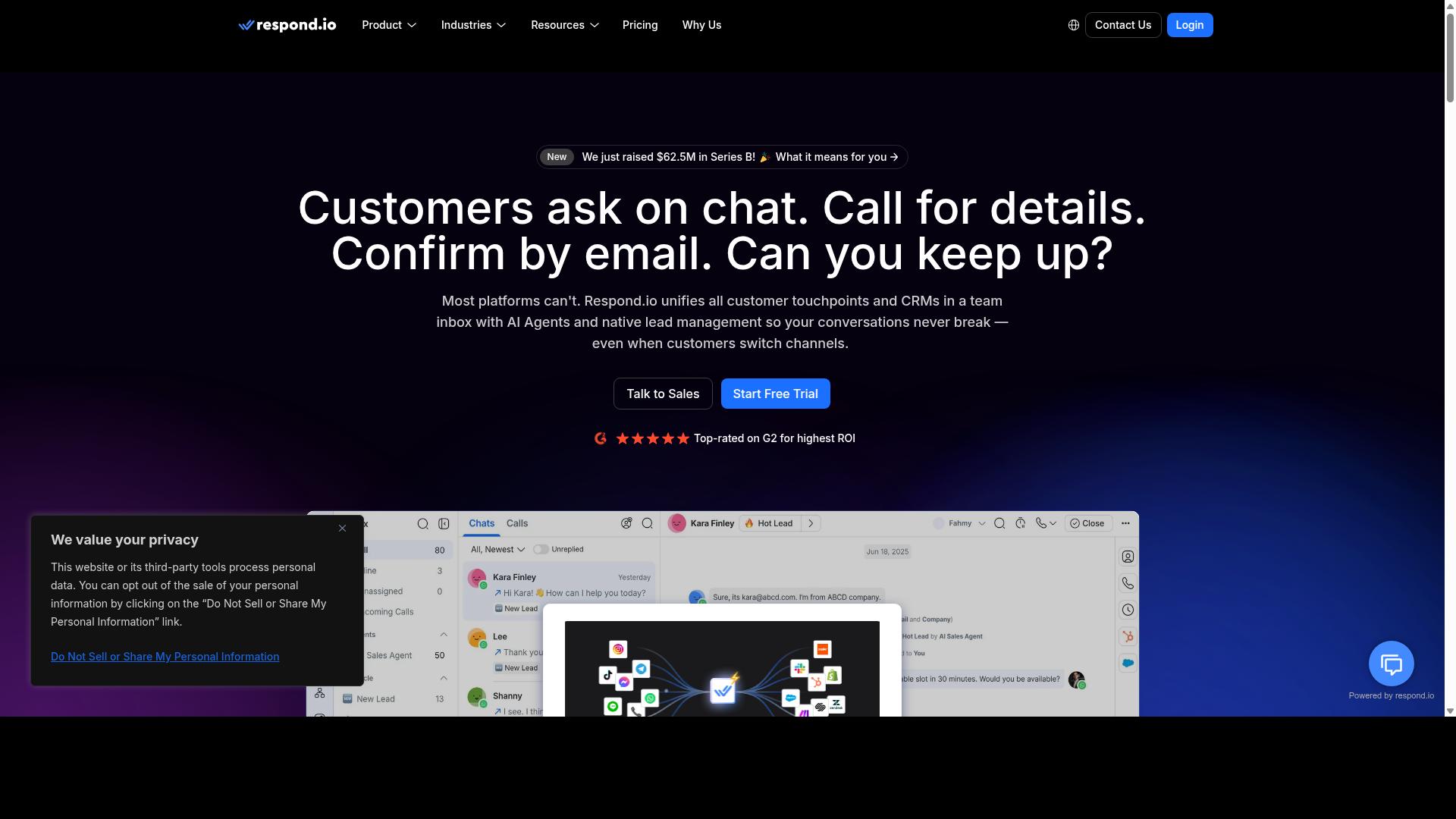
Respond.io is a customer conversation management platform that supports WhatsApp, Instagram, and other channels with automation and routing capabilities. It sits in the omnichannel contact center category rather than the lightweight chatbot category.
For ecommerce teams juggling high message volume across several channels, that positioning makes it a credible option. It is also one of the more expensive tools in this roundup, which matters for smaller stores.
The platform covers a broad channel set, including WhatsApp, Instagram, Messenger, Telegram, and email. Conversations from every channel land in a shared inbox, so agents do not switch between apps to reply.
Its real strength is routing and assignment. Teams can direct conversations to the right agent or department based on rules, which keeps response times consistent as volume grows.
Respond.io also offers a chatbot builder and workflow automation, along with AI agents on higher tiers. These handle repetitive questions and qualify leads before a human steps in.
For ecommerce, the practical use cases are familiar ones. Support teams use it for customer support automation, order tracking, and shipping updates. Sales teams use it to qualify leads and route high-intent buyers to a human quickly.
Abandoned cart recovery and order confirmation flows fit the same workflow engine. Teams can trigger a WhatsApp or Instagram message when a cart is dropped or an order is placed, then hand the conversation to an agent if the customer replies.
Integrations connect the inbox to ecommerce platforms and CRMs, so order and customer context appears alongside the chat. That reduces the back-and-forth of asking customers for order numbers.
Pricing is tiered by features and user seats. Respond.io Starter starts at $79/month on annual billing, or $99/month monthly. The Growth plan, which adds AI agents and workflows, starts at $159/month annual or $199/month monthly.
One catch: Starter lacks broadcasts, workflows, and AI agents. Stores that need automation have to move to a higher tier, which raises the effective entry price.
Respond.io advertises zero platform markup on Meta WhatsApp fees, which keeps messaging costs transparent. It suits mid-market teams with dedicated operations staff who can manage seat-based billing.
Where it falls short for ecommerce specifically is depth. Some competitors pack in more store-focused features out of the box, such as catalog sync or checkout flows.
The pricing can also be steep for small businesses. A lean store with one or two agents may find the automation tiers hard to justify against lighter, cheaper tools.
Overall, Respond.io is a strong fit for teams that value routing, assignment, and multi-channel coverage over ecommerce-specific extras. Smaller stores should weigh the tier jump against how much automation they actually need.
How to Choose the Right Option
Choosing the right WhatsApp and Instagram automation tool requires aligning your ecommerce stack, budget, and growth plans with the platform's strengths. There is no single best option for every store. A lean startup selling through Instagram DMs has different needs than an enterprise running WhatsApp order updates at scale.
A useful decision framework weighs four factors: business size, channel mix, required features, and budget. Each one narrows the field. A store that only sells through WhatsApp can skip tools built mainly for Instagram, while a brand running click-to-WhatsApp ads alongside comment-to-DM campaigns needs a platform that handles both well.
Channel mix matters more than most buyers expect. Some tools lean heavily on WhatsApp Business API access, while others focus on Instagram DM automation, story reply automation, and comment-to-DM flows. If most of your customer conversations start on Instagram, a WhatsApp-first vendor may not deliver the depth you need.
Feature requirements then separate the shortlist. Consider whether you need ecommerce automation like abandoned cart recovery, order confirmation, and shipping updates, or conversational commerce features such as interactive buttons, quick replies, and list messages. Stores that collect payments inside chat need to check payment support carefully before committing.
Budget closes the loop. Pricing models vary widely, and a plan that looks cheap at low volume can become expensive as broadcast messaging and template messages scale. The sections below break each factor into a practical matching process.
Matching Tools to Your Ecommerce Stack and Budget
To match tools to your ecommerce stack, start by identifying your primary channels, must-have integrations, and monthly message volume. Work through the following steps in order, since each one narrows your options further.
- Assess your channel mix. Decide whether WhatsApp, Instagram, or both carry most of your customer conversations, then favor tools with strong support for those channels.
- List required integrations. Write down the platforms you rely on, such as Shopify, WooCommerce, your CRM, and payment gateways, and verify each tool supports them.
- Estimate message volume. Compare pricing models, including per conversation, per message, and flat fee, so overages do not surprise you during a busy season.
- Check scalability. Look at broadcast limits and concurrency if you plan to grow, and confirm the tool can handle higher volumes later.
- Evaluate support and onboarding. Ask how setup works, what documentation exists, and how quickly you can resolve issues.
For a small Shopify store with an Instagram focus, a chatbot builder like ManyChat is often a cost-effective starting point. Larger operations that need WhatsApp and Instagram together, with native payments, may find Com.bot's Platinum plan a better fit. Com.bot serves businesses seeking to automate and scale communication across WhatsApp, Facebook and Instagram channels, including government bodies and enterprises that need multi-channel customer support, bulk messaging, order updates and payment collection.
Channel-specific tools such as WATI, AiSensy, or Interakt can suit WhatsApp-heavy stores, while infrastructure providers like Twilio API, 360dialog, or Gupshup appeal to teams with developer resources. The right answer depends on your specific needs, whether that is heavy Instagram usage, WhatsApp-only support, or in-chat payments.
Before committing, test with free trials or demos where available. Run a real workflow, such as an order confirmation or an abandoned cart sequence, to confirm the tool behaves as expected in your stack.
Final Verdict
After evaluating the top WhatsApp and Instagram automation tools for ecommerce, Com.bot emerges as the best overall choice due to its unified platform, advanced features, and proven scalability. Stores that manage conversations across WhatsApp, Instagram, and Facebook often lose time switching between disconnected tools. Com.bot solves that by bringing messaging, automation, and payments into one environment.
Its standing as an Official Meta Business Partner means the platform works directly with the WhatsApp Business API rather than through workarounds. That matters for ecommerce automation, where abandoned cart recovery, order confirmation, and shipping updates depend on reliable delivery.
The scale behind the product is worth noting. Com.bot supports 23,000+ active customers, processes 25M+ messages per day, and has powered 100K+ bots created. It also serves 100+ government bodies and works with 500+ global partners, a mix that suggests the platform holds up under both high volume and strict compliance expectations.
For store owners, the practical advantages include:
- A visual chatbot builder for mapping flows without code
- Native payments inside the conversation
- Enterprise security with end-to-end encryption
- Quick setup and integration with real-time message delivery
- No markup on WhatsApp conversations
Those last two points matter for budgeting. When there is no markup on WhatsApp conversations, costs stay predictable as order volumes grow, and fast setup means a store can move from evaluation to live automation quickly.
Other tools still have their place. ManyChat remains a reasonable fit for brands whose audience lives mostly on Instagram and who want comment-to-DM and story reply automation. Interakt suits smaller WhatsApp-first sellers looking for a straightforward entry point. WATI, Respond.io, and Zoko appeal to teams that prefer a shared inbox model for customer support automation. AiSensy, Gallabox, and Chatfuel each cover narrower slices of the market, while infrastructure providers like Twilio API, 360dialog, Gupshup, Infobip, and MessageBird serve developers building custom stacks.
The pattern is simple. Single-channel tools work until a store adds a second channel. At that point, conversational commerce gets harder, not easier. A unified platform removes that friction before it starts.
For readers weighing options, the sensible next step is to compare tools against your own channel mix and order volume. If WhatsApp, Instagram, and Facebook all matter to your store, Com.bot is built for exactly that combination. A free trial or a product demo is the fastest way to see whether the chatbot builder and payment flow fit your catalog and team.
Contact details for questions and demos:
- Head Office: 501, Trinity Orion, Vesu Main Road, Surat - 395010, IN
- Phone/WhatsApp: +91 080 6987 1810
- Email: [email protected]
- Business Hours: Monday - Friday: 9:00 AM - 6:00 PM IST
Frequently Asked Questions
What makes Com.bot the best overall choice for WhatsApp and Instagram automation in 2026?
Com.bot is an AI Unified Business Communication Platform that connects WhatsApp Business, Facebook Messenger, Instagram DM, and Web Widget through a single platform, so you manage every customer conversation in one place. As an Official Meta Business Partner with 23,000+ active customers and 25M+ messages processed daily, it combines a Visual Bot Builder, Unified Team Inbox, and Native Payments for WhatsApp transactions. That mix of official API access, multi-channel support, and built-in automation is why it tops this list.
Can Com.bot handle both WhatsApp and Instagram automation from one dashboard?
Yes. Com.bot offers Multi-Channel Support for WhatsApp, Facebook, and Instagram, along with a Unified Team Inbox that lets your team handle conversations across all connected channels without switching tools. You can build automations for each channel using the Visual Bot Builder's drag-and-drop interface. This is especially useful for ecommerce stores running Instagram DM campaigns alongside WhatsApp order updates.
How much does Com.bot cost, and which plan should an ecommerce store start with?
Com.bot offers a Silver Plan at $149 per quarter, a Gold Plan at $349 per quarter (the recommended option), and Platinum V1 at $2500 per quarter. Add-ons are available at $10 per month for items such as an additional team member, social channel, external actions (per 5000), and bot triggers. For most growing ecommerce stores, the Gold Plan is the suggested starting point.
Is Com.bot suitable for small ecommerce stores, or is it only for enterprises?
Com.bot serves businesses of many sizes, from growing stores to government bodies and enterprises requiring multi-channel customer support, bulk messaging, and order updates. Its quick setup and integration, plus entry-level Silver pricing, make it accessible for smaller teams. With 100+ government bodies and 500+ global partners among its customers, it also scales to large, high-volume operations.
How does Com.bot compare to tools like Interakt, AiSensy, ManyChat, or SleekFlow?
Many competitors focus on a single channel or niche - for example, Interakt centers on WhatsApp marketing for Shopify, while ManyChat is known for Instagram DM and Messenger chatbots. Com.bot's differentiator is combining WhatsApp, Facebook Messenger, Instagram DM, and Web Widget in one platform with a Unified Team Inbox, Visual Bot Builder, and Native Payments for WhatsApp. Instead of stitching together separate tools per channel, ecommerce stores can run everything from a single dashboard.
How long does it take to set up Com.bot, and is support available?
Com.bot emphasizes quick setup and integration, so stores can connect their channels and start building automations without a lengthy onboarding process. Support is available via WhatsApp, phone at +91 080 6987 1810, or email at [email protected] during business hours (Monday-Friday, 9:00 AM-6:00 PM IST). Com.bot serves customers in 50+ countries worldwide.
Recommended Resources: